Your plant.
Live — every parameter, every ticket, every site visit.
The HidroVerse client portal is a live monitoring layer over your plant. Operators log daily readings from the plant floor on phone or tablet; managers see every parameter and every RO train in real time. Out-of-spec values raise instant alerts. Trend charts, uptime reports and board-ready graphs export in seconds. Support tickets, job cards, invoices and manuals live in the same account.
salesflow.hidroverse.co.za · invite-only · provisioned at install
Your plant, on-line.
Every reading, every alert, every trend.
The most powerful part of the HidroVerse portal is not the paperwork — it is the live monitoring layer above the paperwork. Operators log readings from the plant floor. Managers see the entire site in real time. Board reports draw themselves.
- Daily log sheets on any device
Operators capture every plant reading — pressures, flows, TDS, recoveries, tank levels — from phone, tablet or plant PC. No paperwork, no lost sheets, no re-typing at month-end.
- Instant out-of-spec alerts
Every parameter has a target window. The moment a reading drifts, the portal flags it and pings the responsible engineer — so action happens in hours, not on the next monthly walk-through.
- Real-time trend charts
Overlay any parameters across any date ranges — up to 30-day windows. Spot drift on a membrane, a fouling curve on a filter or a pattern in raw-water quality before it becomes a fault.
- Board-ready exports
One click and the portal generates a Plant Performance PDF, a Trend Chart PDF, a Plant Uptime Report — all HidroVerse-branded, ready for management, boards or compliance auditors.
| Parameter | Unit | Target | 08-05 | 08-06 | 08-07 | 08-08 | 08-09 |
|---|---|---|---|---|---|---|---|
| RO 1 Pre-treatment pressure | Bar | 2–4 | 2.5 | 3.7 | 2.5 | 2.7 | — |
| RO 1 Inlet pressure | Bar | 10–12 | 10.5 | 11 | 10.5 | 10.5 | — |
| RO 1 Permeate flow | LPM | 29–33 | 34 | 31 | 30 | 32 | — |
| RO 1 TDS | PPM | ≤ 30 | 17.09 | 16.8 | 15.99 | 18.94 | — |
| RO 1 Recovery | % | ≥ 60 | 68 | 62 | 60 | 61.5 | — |
| RO 2 Concentrate flow | LPM | 18–26 | 16 | 19 | 20 | 20 | — |
Every service, every reorder
— traced against your site.
Job cards move through a visible pipeline. Tasks, technician photos and sign-off land against the site in real time. Reorders draw straight from the equipment already installed on the plant. Nothing filed on paper, nothing lost between technicians and accounts.
- Every site visit — traced end-to-end
From the moment a job card is opened to the moment the invoice is sent, the client sees the exact stage: created · picking / ordering parts · ready to invoice · invoice sent. Nothing lives in someone's inbox.
- Tasks, photos and technician sign-off
Each job card carries its brief, the assigned team, every completed task with before / after photos, and the lead technician's signature. Auditable — for you, your insurer and your compliance officer.
New valves to be tested on site — check pressure hold across the RO array and confirm no bypass on the concentrate line.
Live monitoring, support, and operations — connected to our back office.
Operators log daily plant readings straight from the plant floor on phone or tablet — every parameter, every RO train, every dosing line. Managers see the entire site health in real time from anywhere.
The moment a parameter falls outside its target window — TDS drift, pressure spike, recovery drop — the portal flags it and pings the responsible engineer. No waiting for the monthly walk-through.
Draw a trend chart across any parameters and date ranges in seconds. Export a Plant Uptime PDF, a compliance report or a boardroom slide directly from the portal — HidroVerse-branded, print-ready.
Log a ticket with photos or video straight from your phone. It lands in the HidroVerse back office tagged as priority — same channel our own technicians use.
Every site visit by a HidroVerse technician — what was done, what was replaced, what was billed, every photo taken on site. Signed off, timestamped and filed against your install.
Every sales order, quote, invoice, contract, manual, warranty and SHEQ permit filed against your account. Searchable across every folder.
The storefront only shows parts and consumables that match the kit installed at your site. Reorder a cartridge, a seal, a dosing line — no part-number guessing.
Technicians upload plant photos and short video clips to your account as they work. Your accounts team sees the same evidence we sign off on.
Invite your maintenance crew, your accounts department, your lodge GM — and give each one access only to the folders and modules they need.
Four screens our clients actually use.
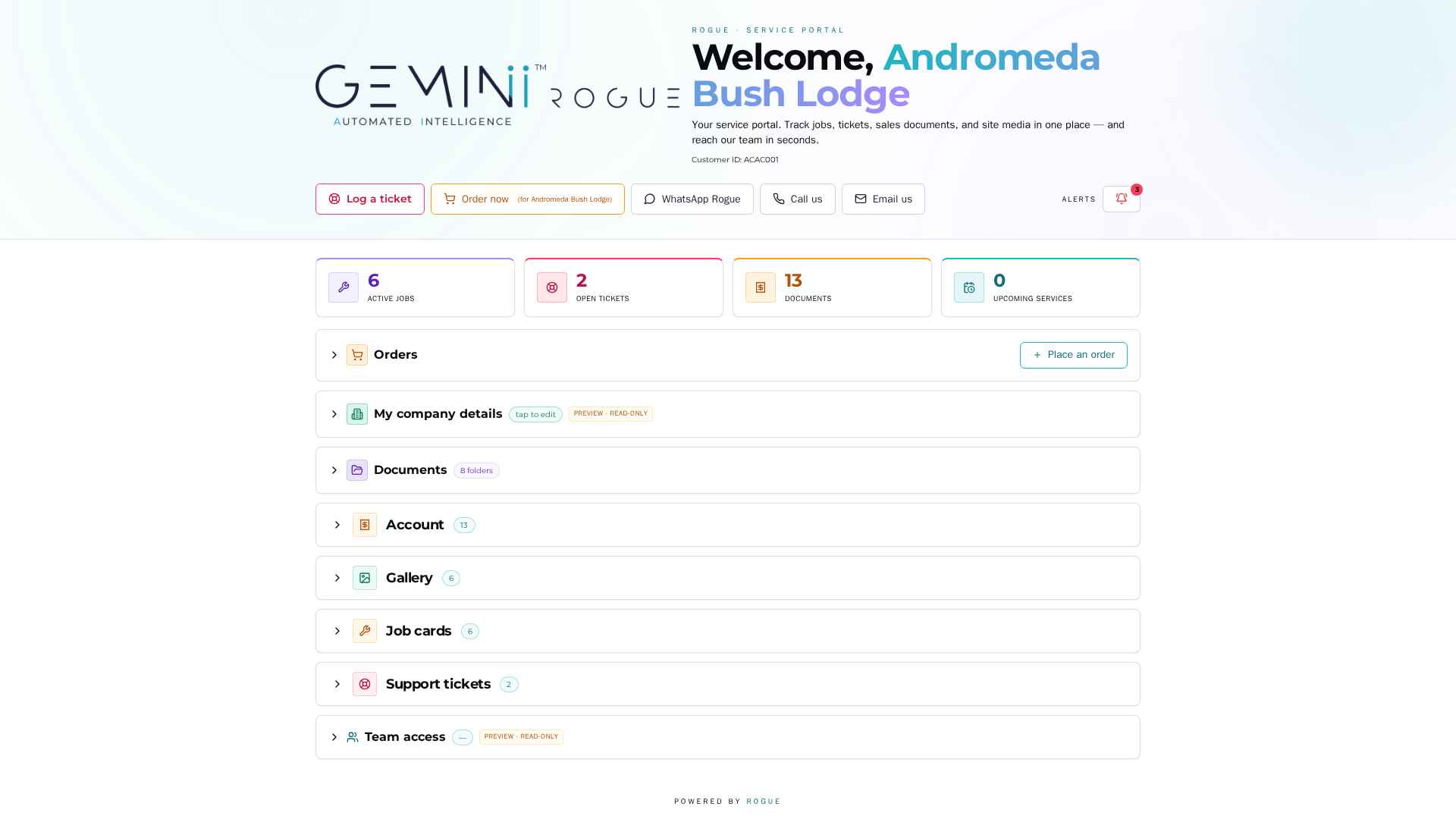
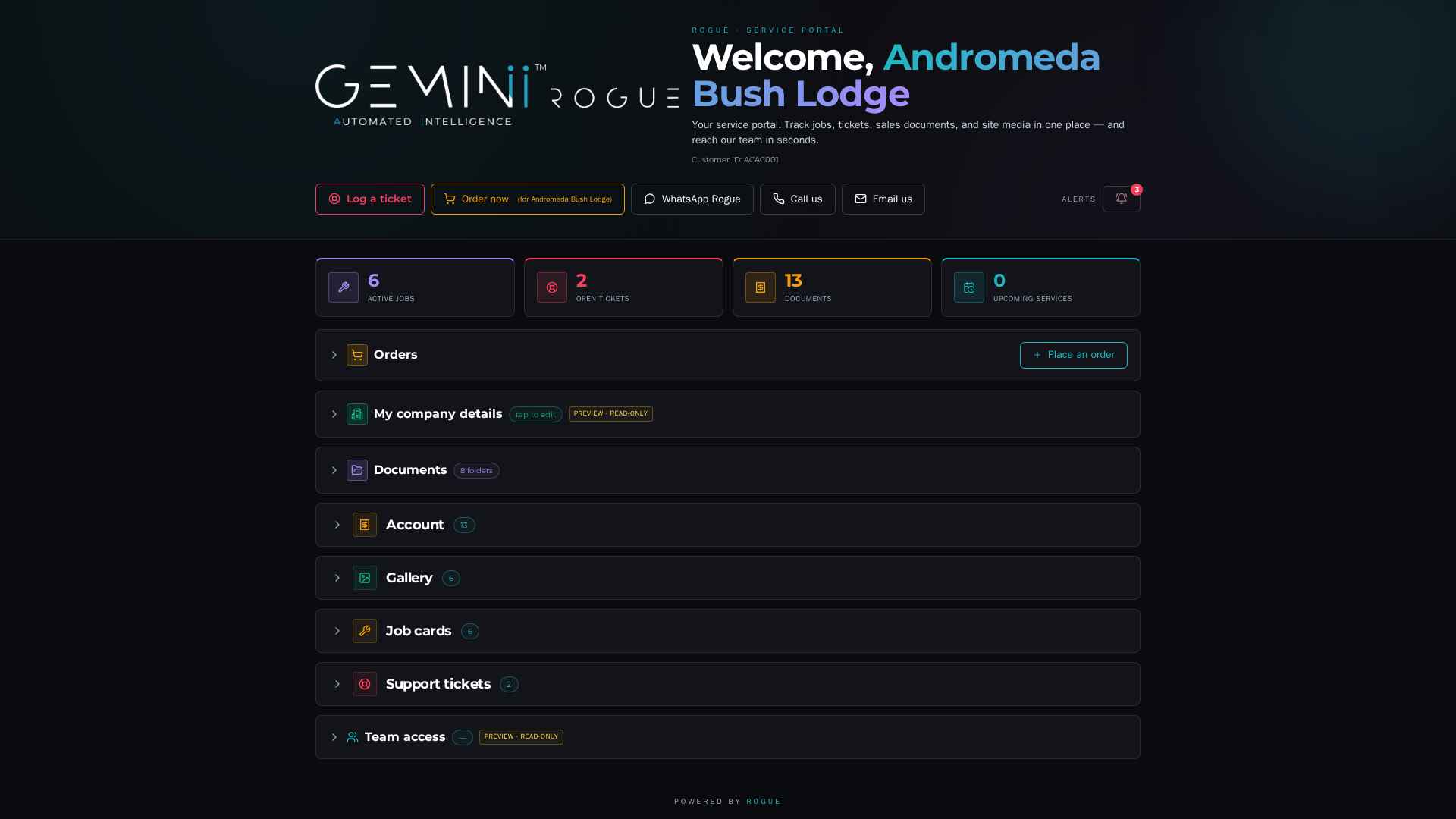
One screen — your whole account
Active jobs, open tickets, documents on file, upcoming services. Plus four direct lines to the HidroVerse team: log a ticket, place an order, WhatsApp, or call.
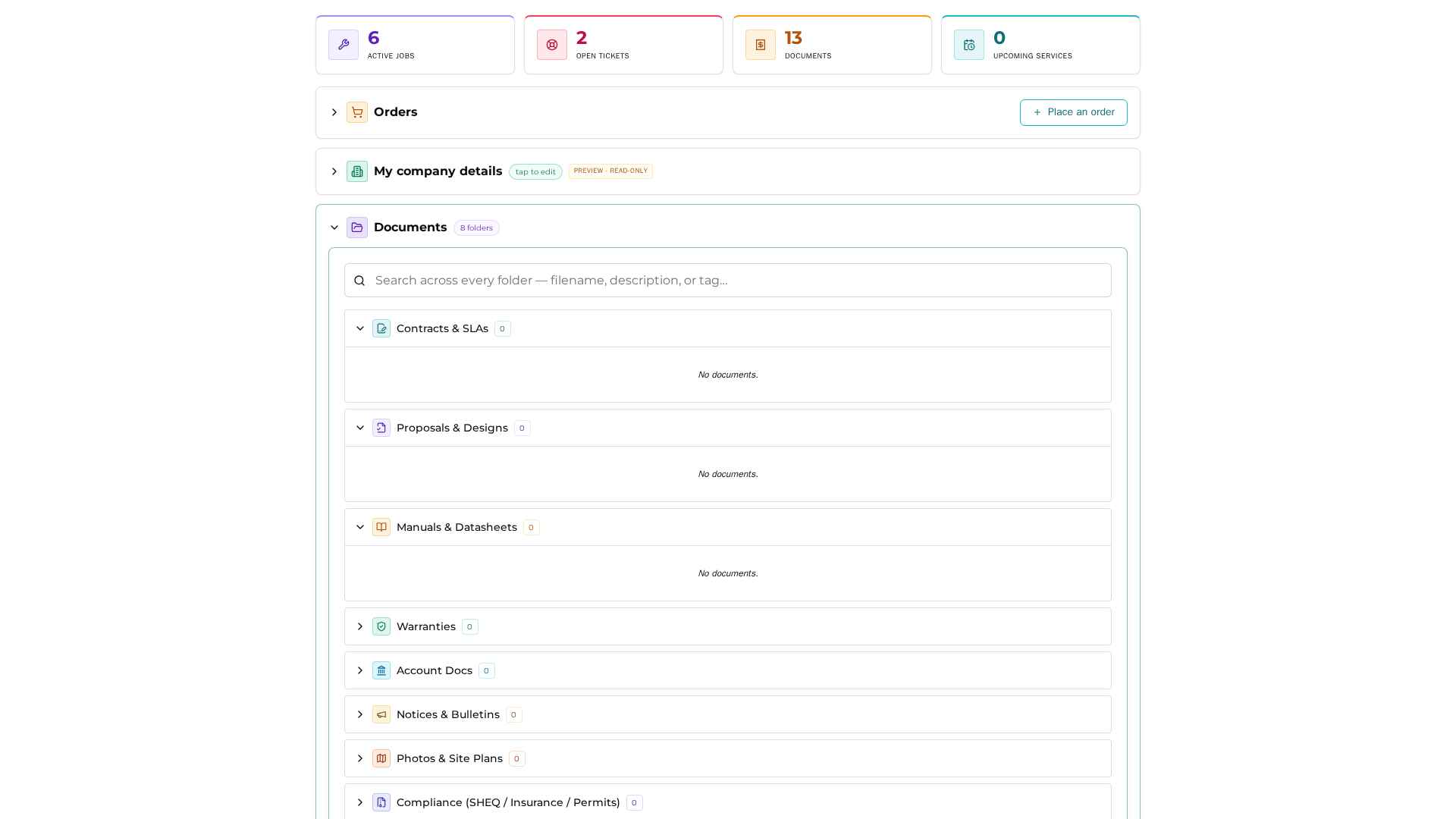
Every file, every folder — searchable
Contracts & SLAs, proposals, manuals, datasheets, warranties, account docs, notices, site plans, SHEQ compliance. Each folder a permission boundary you control.
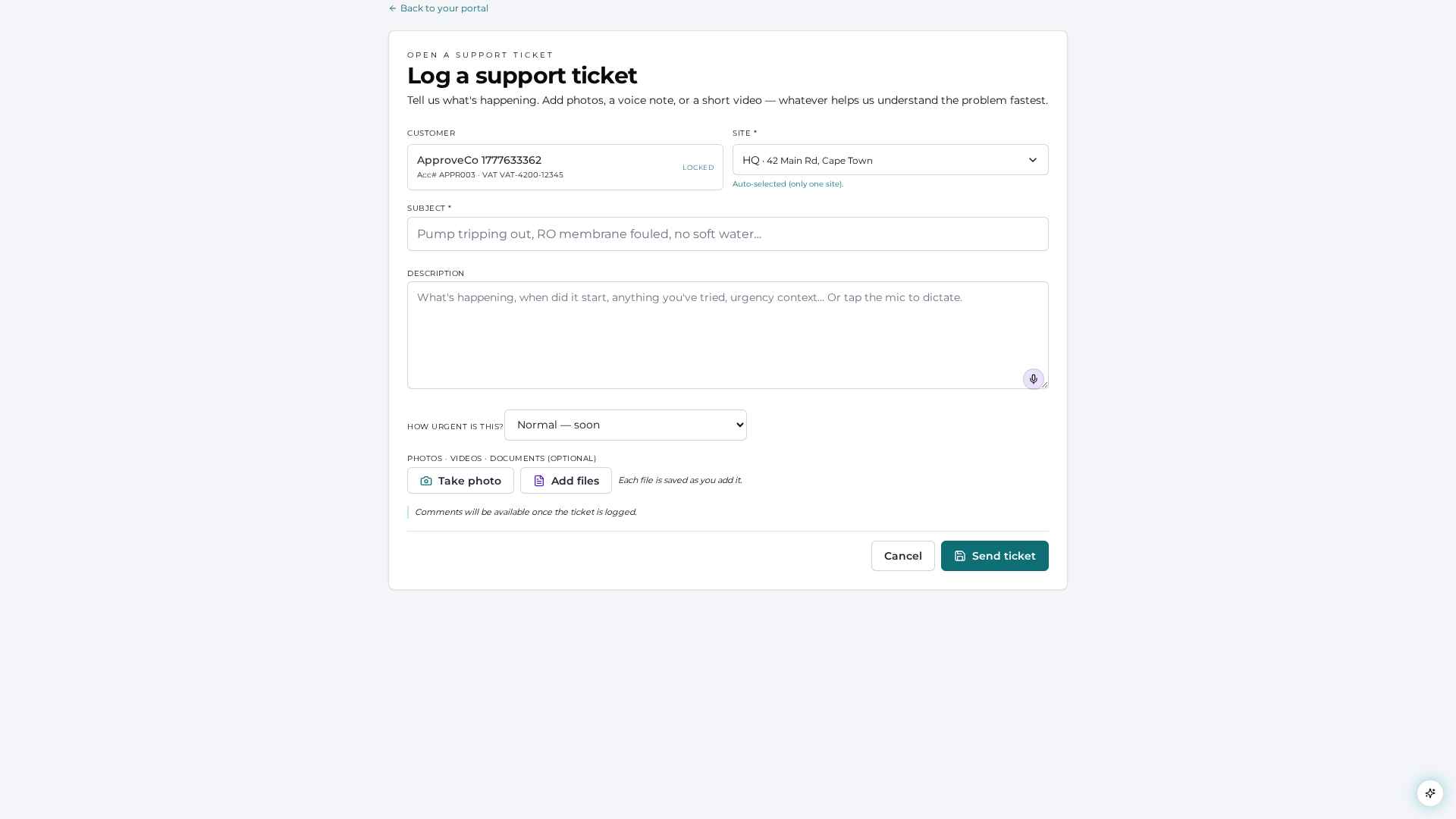
Log a ticket in under a minute
Subject, description, photos or a short video — submit. The ticket opens inside HidroVerse with your site, your install file and your contact already attached.
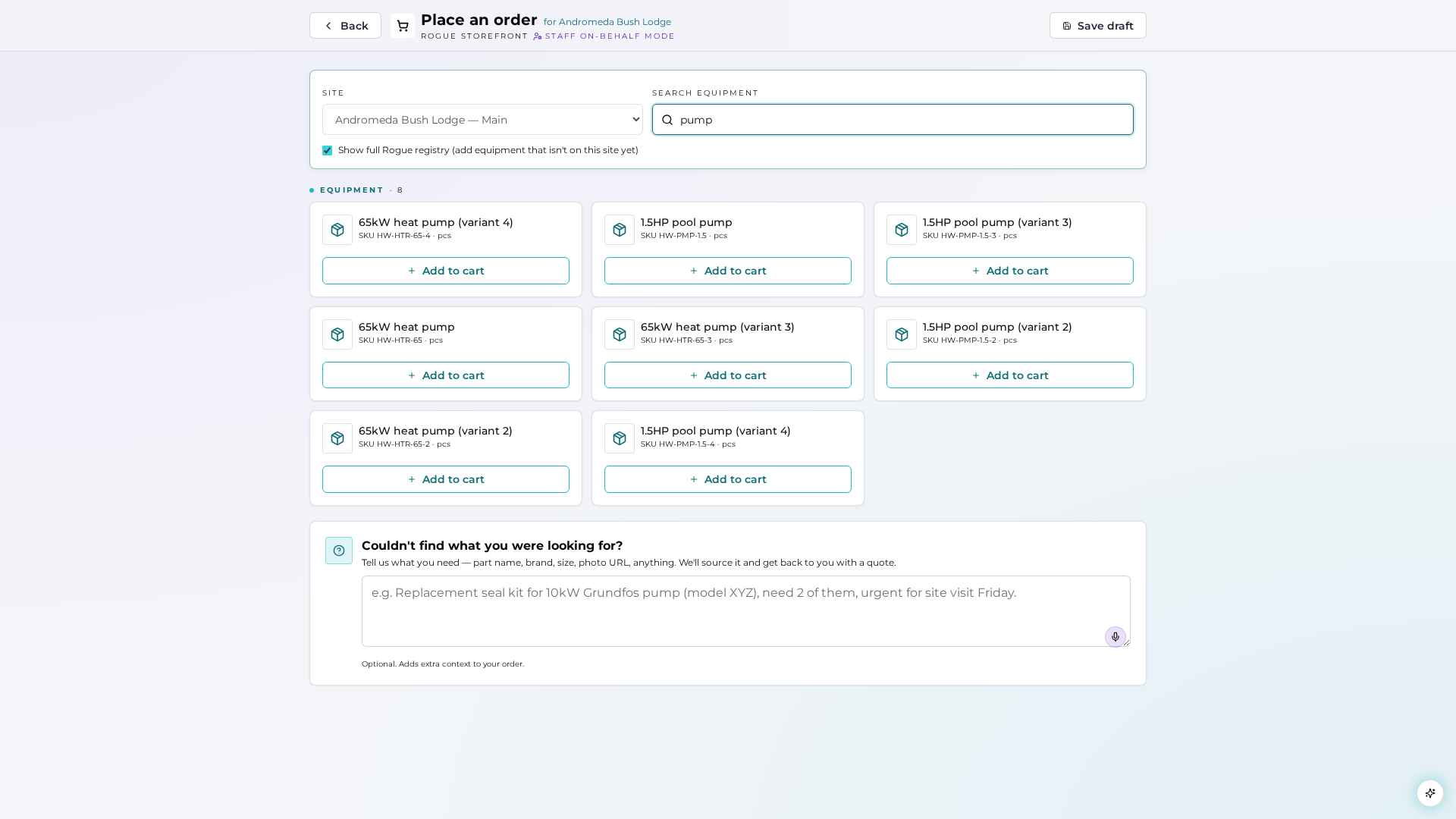
Reorder only what fits your site
Search across the equipment registered against your site — every pump, every cartridge, every dosing line. Can't find a part? Describe it and we will source it.
The portal is provisioned at install.
You add your team yourself.
On handover, your portal is provisioned with the install file, equipment register, photos and the contract on file. Your customer ID lives at the top.
Quotes, sales orders, invoices, job cards, datasheets and SHEQ paperwork are filed against your account as they are issued. Nothing lives in someone's inbox.
Add your accounts department, your maintenance crew, your GM — and set per-folder permissions. The accountant sees invoices; the maintenance lead sees job cards and tickets.